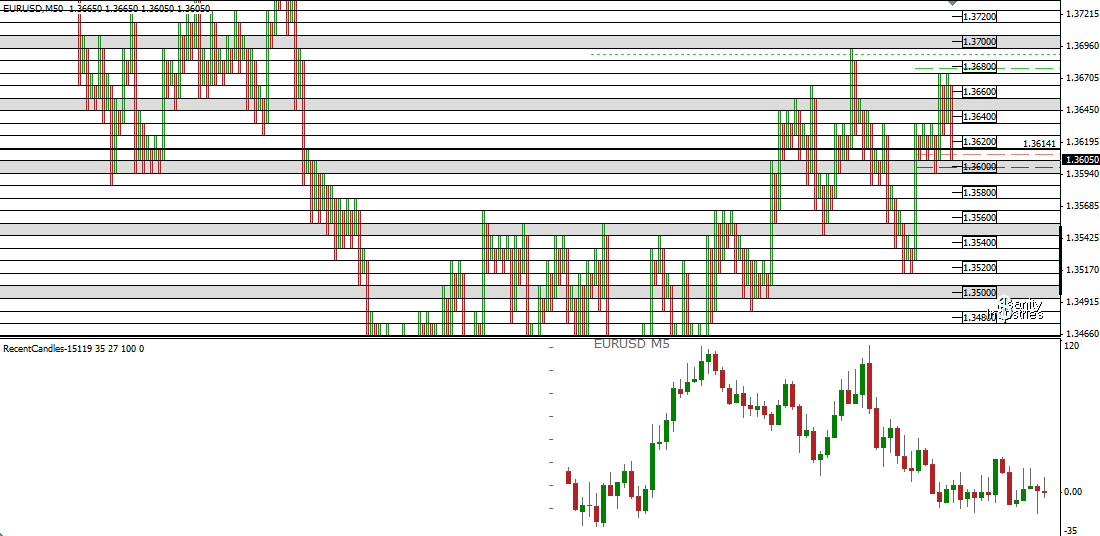
bredin wrote:Ideally Id read this from tickdata... which MT4 doesnt do, and the executive decision was made not to use tick data in MT5 either.....
but you are right about wanting to see every retrace possible. M5 will lose some bars, but not the overall shape....
btw guys Ive come across a weird bug that only seems to happen on M1 charts:
if youre getting a double bar at the end and the debug screen is only drawing one line, let me know.
I believe that my brutal fixit will put paid to it, but am watching out for it now

G.
How to get workable tick data in MT4 (unofficial)
1)
Put the files in the following folders and reload MT4
C:\(mt4 folder)\experts\LFH_Trading_Simulator_3.ex4
C:\(mt4 folder)\experts\indicators\CreateTickData.mq4
C:\(mt4 folder)\experts\indicators\PostTickData.mq4
2)
Load strategy tester and select LFH_Trading_Simulator_3
Use the following settings :
Symbol : (your choice)
Model : Every Tick
Use date : select 1 week worth of data (sometimes I only do last few days)
Period : M1
Visual mode : Yes, with maximum speed
(e.g. see 1.PNG)
3)
Start the EA and pause it. Load up CreateTickData.mq4. Use this to gather historical ticks.
4)
Continue running the EA. You should see a text file generated in C:\(mt4 folder)\experts\files\TickData. Let it run to the end; which should be the latest live M1 bar.
5)
Close the EA and load a live chart. Load up both CreateTickData (to continue gathering ticks, but this time from live chart) and PostTickData.mq4. Default is 15 ticks.
6)
Goto File -> Open Offline -> find your tick chart (e.g. !TickEURUSD,M15) and load it. The historical ticks and the live ticks should be in the combined chart.